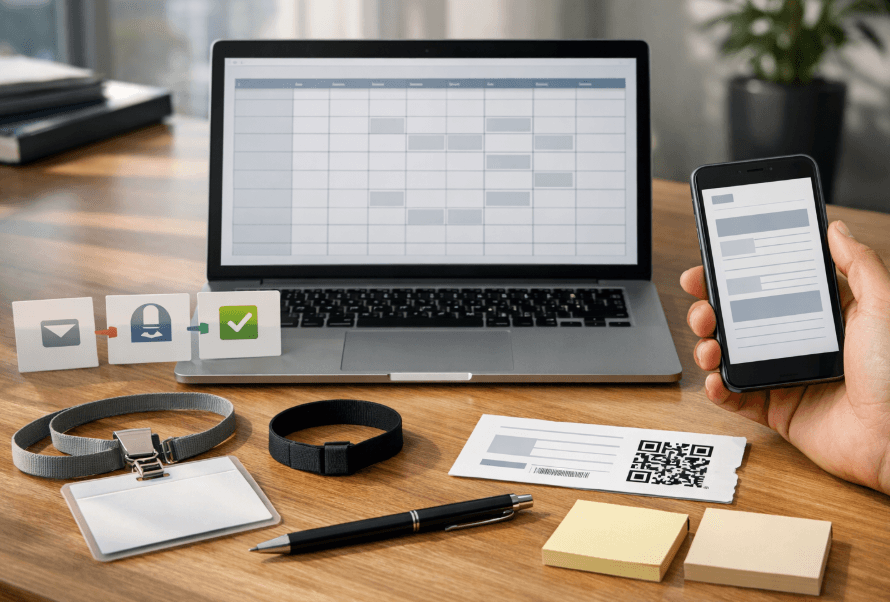
If you organize events and rely solely on social media to communicate with your audience, you're leaving money on the table. Event email marketing remains one of the highest-converting channels: it reaches inboxes directly, doesn't compete with algorithms, and can be fully automated. In this guide, you'll discover which emails to send, when to send them, what to write, and how to measure results.
In 60 seconds: the 7 essential emails every event needs
Purchase confirmation — immediate, automated.
7-day reminder — builds anticipation.
24-hour reminder — reduces no-shows.
Day-of-event email — logistics and access info.
Post-event thank you — closes the experience.
Satisfaction survey — captures feedback.
Next event invitation — reactivates your database.
With these seven well-executed emails, you cover the complete attendee journey. Everything that follows deepens and scales this foundation.
Recommended email calendar (copy and paste)
Adapt this schedule based on your event type and advance ticket sales timeline.
Timing | Objective | Segment | Key Metric | |
|---|---|---|---|---|
Purchase (immediate) | Confirmation + ticket | Build trust | Buyers | Open rate |
48h post-purchase | Cross-sell / upgrade | Increase average order | Recent buyers | Click rate |
30 days before | Early bird launch | Create early urgency | Interested leads | Conversions |
14 days before | Content (lineup, agenda) | Build anticipation | General database | Open rate |
7 days before | Reminder + practical info | Reduce no-shows | Confirmed attendees | Open rate |
24h before | Attendee checklist | Minimize support queries | Confirmed attendees | Open rate |
Day of event | Access + schedule | Facilitate entry | Confirmed attendees | Click rate |
24–48h post | Thank you | Close experience | Attendees | Open rate |
5–7 days post | Survey + content | Feedback and retention | Attendees | Response rate |
15–30 days post | Next event invitation | Reactivate | Entire database | Conversions |
Tip: This event email calendar is a baseline guide. If you sell tickets months in advance, add nurturing emails every 2-3 weeks.
The 10 highest-converting event emails
1. Purchase confirmation
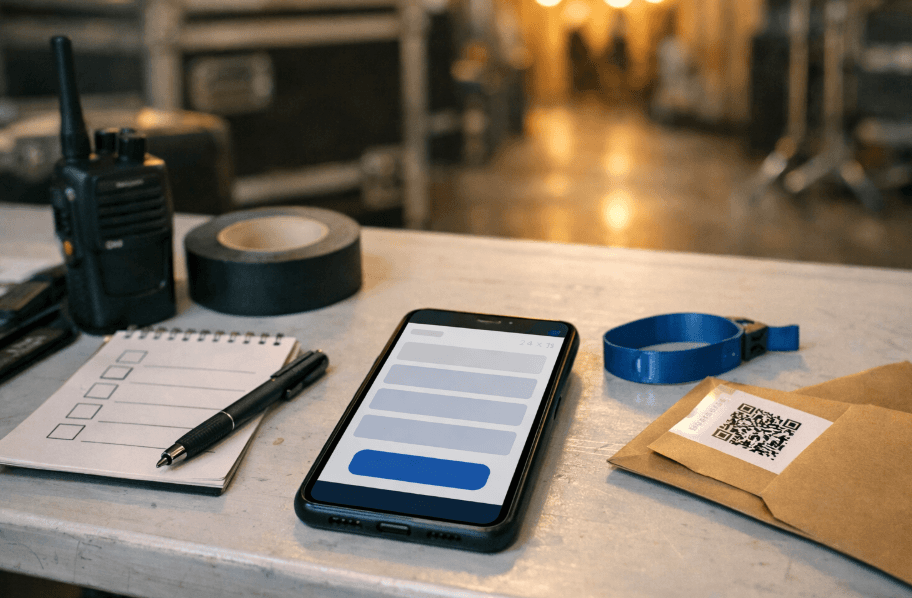
What it achieves: Builds immediate trust. This is your highest-opening email in the entire sequence. When: Immediately after transaction (automated). Must include:
Complete details: event name, date, time, location, number of tickets.
Access instructions (QR code, PDF, download link).
Organizer contact information.
Common mistakes:
Generic email without event details, creating unnecessary support queries.
Not including the ticket or download link.
Subject lines: "Your ticket for [Event] is confirmed ✓" · "All set! Here's your ticket" · "Purchase confirmation — [Event], [Date]"
2. Cross-sell or upgrade
What it achieves: Increases revenue per buyer (VIP, meet & greet, merchandise). When: 24-48 hours post-purchase. Must include:
Specific upgrade options with clear benefits.
Limited-time incentive.
Direct CTA to purchase page.
Common mistakes:
Generic upgrades unrelated to what was purchased.
Sending too late when enthusiasm has waned.
Subject lines: "Want to experience [Event] VIP-style?" · "Upgrade your experience — 48h offer" · "VIP upgrade available for [Event]"
3. Launch or early bird
What it achieves: Drives first sales with genuine urgency. When: Sales opening or 30-45 days before. Must include:
Launch date and time.
Real scarcity condition (limited capacity or time).
Direct link to online ticket sales.
Common mistakes:
False urgency ("last tickets" when just launching).
Not segmenting: sending same message to existing buyers.
Subject lines: "Presale now open — [Event]" · "First tickets with discount: only [X] available" · "Tickets on sale now 🎟️"
4. Content and anticipation
What it achieves: Maintains interest and reduces cancellations. When: 10-14 days before. Must include:
Real updates: artists, schedule, activities.
Visual content (flyer, video, past event photos).
Social sharing link.
Common mistakes:
Empty content without concrete updates.
Overwhelming inboxes with excessive emails.
Subject lines: "What awaits you at [Event]: full lineup" · "New announcement for [Event] 🔥" · "Everything you need to know before attending"
5. 7-day reminder
What it achieves: Re-engages buyers from weeks ago. Critical for reducing no-shows. When: 7 days before. Must include:
Date, time, address with map link.
Practical info: parking, transportation, entry points.
Ticket reminder.
Common mistakes:
Repeating confirmation without adding value.
Not including logistics information.
Subject lines: "One week until [Event]!" · "Reminder: [Event] is [Date]" · "Your [Event] checklist"
6. 24-hour reminder
What it achieves: Final push. Minimizes support queries and reduces no-shows. When: 24 hours before. Must include:
Door opening time.
What to bring and what's prohibited.
Quick access to digital ticket.
Common mistakes:
Including promotions instead of useful information.
Not sending it (very common mistake; then dozens of support queries arrive).
Subject lines: "Tomorrow's the day — everything you need to know" · "[Event] is tomorrow: times and access" · "See you tomorrow 🎶"
7. Day-of-event email
What it achieves: Facilitates entry and improves experience. When: 2-4 hours before doors open. Must include:
QR code or digital ticket in visible format.
Updated schedule and map.
Last-minute changes.
Common mistakes:
Sending too early (gets lost in inbox).
Not optimizing for mobile.
Subject lines: "Today is [Event] — your ticket here" · "It's showtime! Quick access 📲" · "Your QR to enter [Event]"
8. Post-event thank you
What it achieves: Closes the emotional journey. A strong close increases repeat attendance. When: 24-48 hours after. Must include:
Genuine, brief thanks.
Photo gallery or video highlights.
Social media follow invitation.
Common mistakes:
Not sending it (most common mistake).
Turning it into aggressive sales for next event.
Subject lines: "Thank you for being part of [Event]" · "Best moments — see how it went" · "Thank you, [Name]. You made it possible."
9. Survey and feedback
What it achieves: Gathers qualitative data for improvement and identifies promoters. When: 5-7 days post-event. Must include:
Brief survey (maximum 5 questions).
Incentive (discount, exclusive content).
Direct form link.
Common mistakes:
Long surveys nobody completes.
Not using responses afterward.
Subject lines: "How was it? Tell us in 2 minutes" · "Your feedback + a gift 🎁" · "Help us improve — quick survey"
10. Reactivation and next event invitation
What it achieves: Closes the event remarketing loop. Converts attendees into repeat customers. When: 15-30 days post or when next date is confirmed. Must include:
Announcement with date and venue.
Exclusive benefit for past attendees.
Direct purchase CTA.
Common mistakes:
Waiting too long and losing emotional momentum.
Not differentiating between attendees and no-shows.
Subject lines: "Next [Event] date confirmed" · "Early access to next [Event]" · "We're back 🔜 New date"
Practical segmentation: 6 segments that matter
You don't need complex CRM. With these six segments, you can personalize enough to make every event email impactful.
Segment | Key Message | Objective |
|---|---|---|
Confirmed buyers | Logistics info, reminders | Reduce no-shows |
Leads who didn't buy | Urgency, social proof | Convert |
VIP / frequent buyers | Early access, benefits | Build loyalty |
Past attendees | Nostalgia + what's new | Reactivate |
Registered but inactive | Re-engagement with content | Recover or clean |
Referrals / invitees | Welcome + context | Nurture new leads |
Regularly review your event KPIs to adjust each segment based on real data.
Event email marketing metrics: what to measure and what to decide
Metric | What it means | Action to take |
|---|---|---|
Open rate | Percentage who opened email | Low → review subject line, timing, and sender |
Click-through rate (CTR) | Percentage who clicked | Low → improve CTA, design, and relevance |
Conversion rate | Completed desired action (purchase, registration) | Low → review landing page, offer, and consistency |
Bounce rate | Undelivered emails | High → clean database and review acquisition |
Unsubscribe rate | Opt-outs | High → review frequency and relevance |
Spam rate | Marked as unwanted | High → review consent and content (critical signal) |
Best practice: Look at the complete funnel: open → click → conversion. High opens with low clicks indicate subject line promises something the content doesn't deliver.
Deliverability and consent checklist
✅ Explicit subscriber consent (opt-in).
✅ Clear unsubscribe link in every email.
✅ Authentic sender name and verified domain.
✅ Mobile-responsive design.
✅ Regular database cleaning (remove bounces and inactive users).
✅ Test emails before sending to avoid spam filters.
✅ Balance text/image ratio (avoid image-only emails).
4 ready-to-use email templates for events
Template 1: Purchase confirmation
Subject: Your [Event Name] ticket is confirmed ✓
Hi [First Name],
Great news! Your ticket for [Event Name] is confirmed.
Event Details:
📅 Date: [Date]
🕐 Time: [Time]
📍 Venue: [Venue Name and Address]
🎟️ Tickets: [Quantity] x [Ticket Type]
Your Ticket: [Ticket/QR Code]
Save this email or screenshot your ticket for easy entry.
Payment processed via: Stripe
Total: $[Amount]
Questions? Reply to this email or contact us at [support email].
Can't wait to see you there!
[Your Name]
Template 2: 24-hour reminder
Subject: Tomorrow's the day — everything you need for [Event Name]
Hey [First Name],
[Event Name] is tomorrow! Here's your quick checklist:
⏰ Doors open: [Time]
📍 Address: [Full Address] → Get directions
🎟️ Your ticket: [QR Code/Link]
What to bring:
✅ Valid ID
✅ Your ticket (digital or printed)
✅ Credit card for purchases (we accept Stripe, Apple Pay)
Not allowed:
❌ Outside food/drinks
❌ Professional cameras
❌ [Other restrictions]
Parking: Available at [Location] or street parking. Consider rideshare/public transport.
See you tomorrow!
[Your Name]
Template 3: Post-event thank you
Subject: Thank you for making [Event Name] incredible
Hi [First Name],
What an amazing night! Thank you for being part of [Event Name].
The energy, the music, the vibes — none of it would have been possible without you and everyone who joined us.
Relive the moments:
📸 Photo gallery from the night
🎥 Highlights video
Stay connected:
Follow us on Instagram and Facebook for behind-the-scenes content and upcoming events.
Already planning our next event — you'll be the first to know!
With gratitude,
[Your Name]
Template 4: Next event announcement
Subject: We're back 🔜 [Next Event Name] announced
Hey [First Name],
Remember the magic of [Previous Event]? We're bringing it back!
[Next Event Name]
📅 [Date]
📍 [Venue]
🎵 [Key Details/Artists]
Exclusive for past attendees:
💰 $10 off with code: RETURNEE
⏰ 48-hour early access (before public sale)
Get your tickets:
Secure your spot now
Payment via Stripe, Apple Pay, or ACH transfer
Limited capacity — don't miss out again!
See you on the dance floor,
[Your Name]
Not interested? Unsubscribe here
Conclusion: email marketing that works for events
Event email marketing isn't about sending more emails — it's about sending the right message to the right person at the right time. With this calendar and these templates, you have everything needed to increase ticket sales, reduce no-shows, and build a loyal community around your events.
Start with the 7 essential emails, test what works for your audience, and scale from there. Your future self (and your revenue) will thank you.
Tags